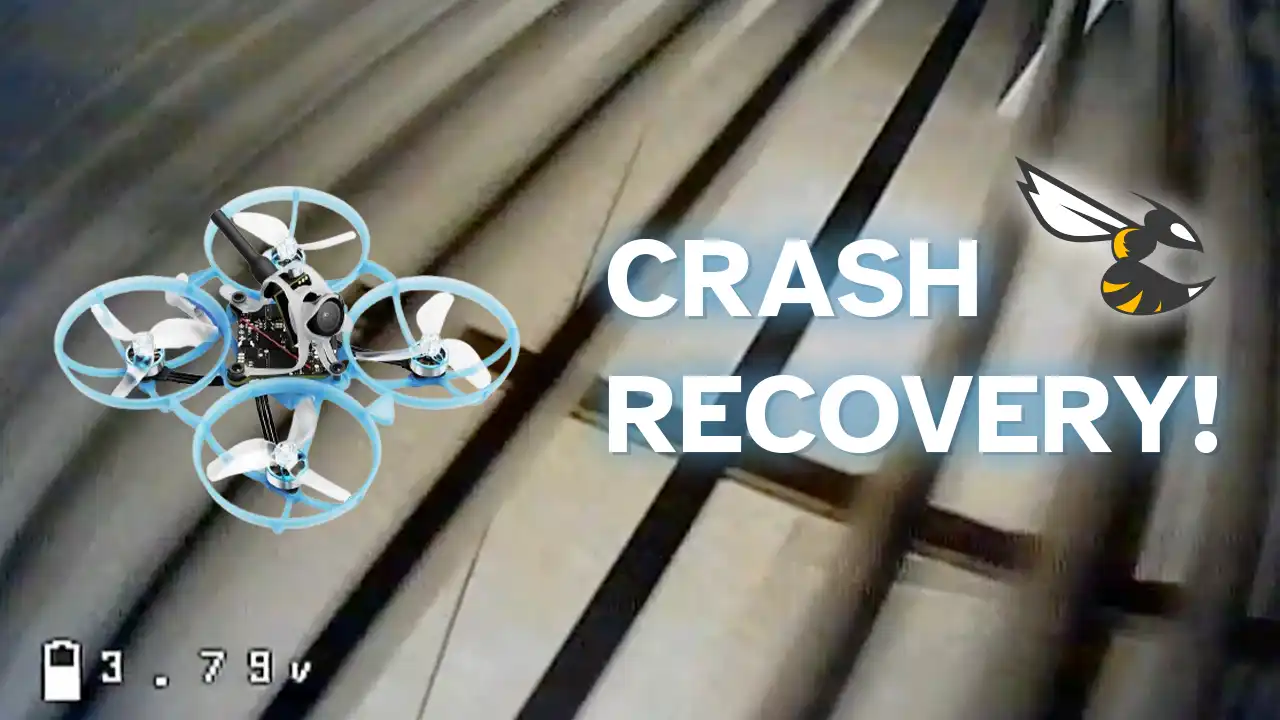
Crash Recovery - Stop crashing your whoops with this Betaflight Feature
A detailed guide on how to set up Crash Recovery on a Betaflight Flight Controller
Intro
Have you ever wished your drone could automatically stabilize itself in a crash, even in Acro mode? If so, then keep reading, because this article covers how to set up Crash Recovery in Betaflight, a feature that will do just that!
Note
This feature is meant for small whoop-sized drones. Exercise caution when using this on bigger open-propped drones, as the drone might overreact.
How it works
When a crash is detected, the flight controller will attempt to recover the drone to a level attitude, then give the control back.
Demo
Here are a couple of clips which show this feature in-flight on the BetaFPV Air75. Both flights were in Acro (with Airmode) and Crash Recovery successfully recovered the drone:
Convinced you want it? Let’s get it set up on your own quad!
Configuring Crash Recovery
You might never have seen this feature in Betaflight before, even if you explored all of the tabs, and it’s for a good reason - it isn’t available in the interface. It is only accessible through commands in the CLI.
Crash Recovery has multiple modes, specifically:
- OFF (default): The craft will not try to detect crashes
- ON: The craft will detect crashes, and automatically try to level out, then give back control
- BEEP: The craft will detect crashes, but will only beep with its beeper instead of trying to level out (useful for troubleshooting and tuning crash recovery)
- DISARM: The craft will disarm if it detects a crash
There are additional advanced settings you can tune, but I recommend leaving them on the defaults most of the time. To learn more about them check out the Betaflight Wiki
Info
Some crash recovery settings are tied to the PID profile, so if you have multiple PID profiles set up, you’ll have to manually enable it on each one when desired.
With that said, let’s turn on Crash Recovery, there are 2 possible ways: using EasyConfig and Betaflight Configurator.
Backing up the configuration
Caution
Before messing around with Betaflight settings and especially the CLI, I highly recommend backing up the current configuration
This can be done from the Presets tab in Betaflight.
Please do so BEFORE proceeding, and verify you have a valid .txt config file to restore from in case something goes wrong.
Using EasyConfig
For your convenience, I made a simple tool that will allow you to easily turn on or off Crash Recovery without opening Betaflight Configurator, straight from this website! Simply connect the Flight Controller via USB, and connect to configure!
crashRecovery.title
crashRecovery.description
crashRecovery.emptyState
Betaflight Configurator
However, if you prefer using Betaflight Configurator, that is also an option, crash recovery is configured from the CLI tab.
Simply connect to Betaflight Configurator, go to the CLI Tab (enable Expert mode on the top right if that tab is missing), and type the following commands:
set crash_recovery = ON
save
Info
You can set it to any of the modes I’ve listed above (OFF, ON, BEEP, DISARM).
The flight controller will restart, and crash recovery will be enabled.
To disable, simply do:
set crash_recovery = OFF
save
Info
There are more options that you can configure using the CLI in regards to Crash Recovery.
Run get crash to list them.